Transforms
Transforms can be applied to two and three dimensional csg tree Items.
-
class
pcsg.transform.Transform¶ Informational base class of Transform objects. This empty class is implemented for type matching purposes.
-
dimensions¶ The number of dimensions is determined from the child instance.
-
Translate
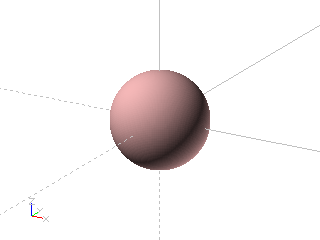
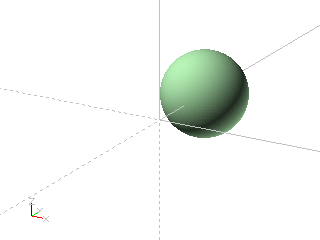
Transform solid on x-axis
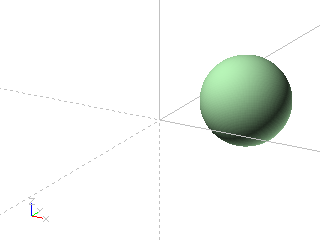
Transform solid on x- and y-axis

Transform solid by vector

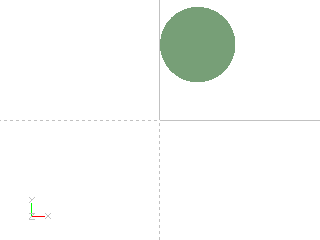
Transform shape by vector
Example: Transform solid on x-axis


import pcsg

body = pcsg.solid.Sphere (radius = 1)

item = pcsg.transform.Translate (body, y = 2)
Example: Transform solid on x- and y-axis

import pcsg

body = pcsg.solid.Sphere (radius = 1)

item = pcsg.transform.Translate (body, x = 1, y = 2)
Example: Transform solid by vector
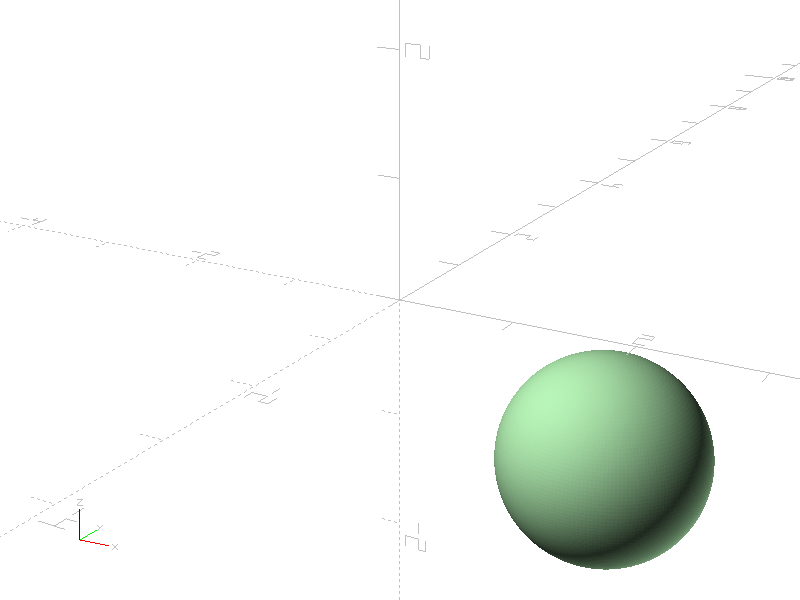
import pcsg

body = pcsg.solid.Sphere (radius = 1)

item = pcsg.transform.Translate (body, (1, 2, -2))
Example: Transform shape by vector
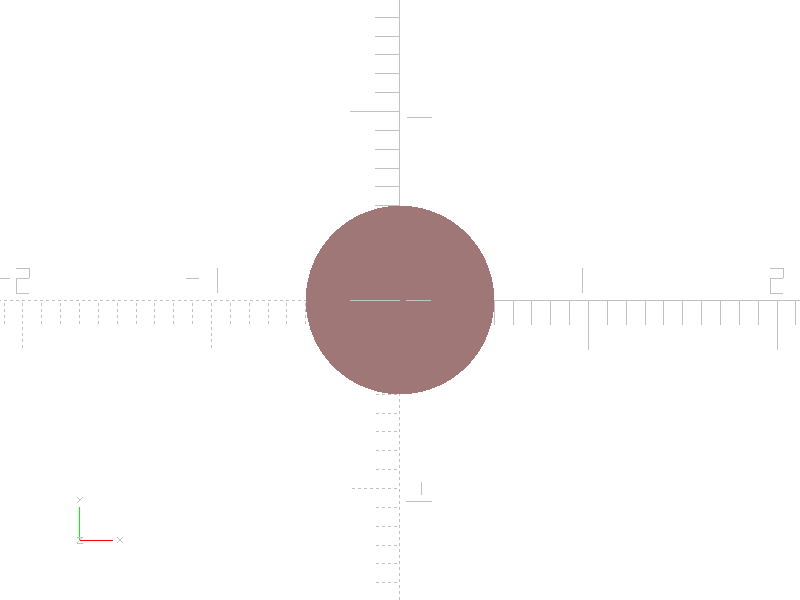

import pcsg

body = pcsg.shape.Circle (radius = 0.5)

item = pcsg.transform.Translate (body, (0.5, 1))
-
class
pcsg.transform.Translate(children: Optional[object] = None, vector: Optional[tuple] = None, x: Optional[float] = None, y: Optional[float] = None, z: Optional[float] = None, name: Optional[str] = None, attributes: Optional[pcsg.attributes.Attributes] = None)¶ Bases:
pcsg.tree.Node,pcsg.transform.TransformA translation can be constructed by a vector of the parameters x, y, and z.
When translating Shapes only the x and y parameters must be used, z must be 0 (default value).
-
x¶ Translation in direction of the x-axis.
-
y¶ Translation in direction of the y-axis.
-
z¶ Translation in direction of the z-axis.
-
Scale
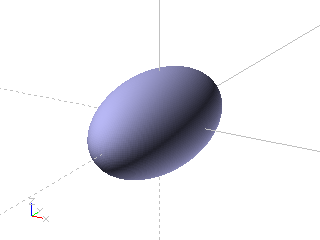
Scale solid on x-axis

Scale solid on x- and y-axis
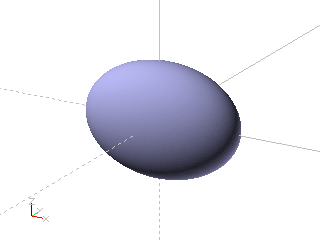
Scale solid by vector
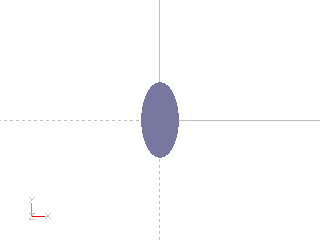
Scale shape by vector
Example: Scale solid on x-axis
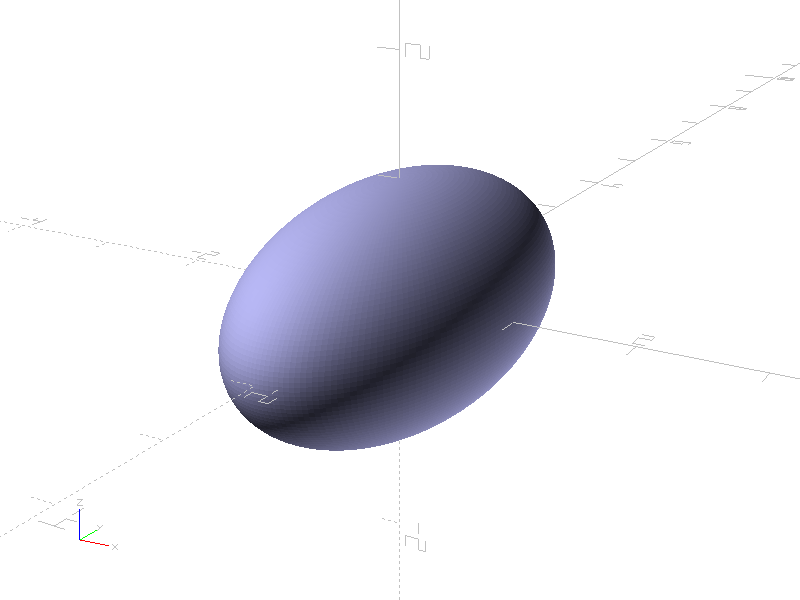
import pcsg

body = pcsg.solid.Sphere (radius = 1)

item = pcsg.transform.Scale (body, sy = 2)
Example: Scale solid on x- and y-axis
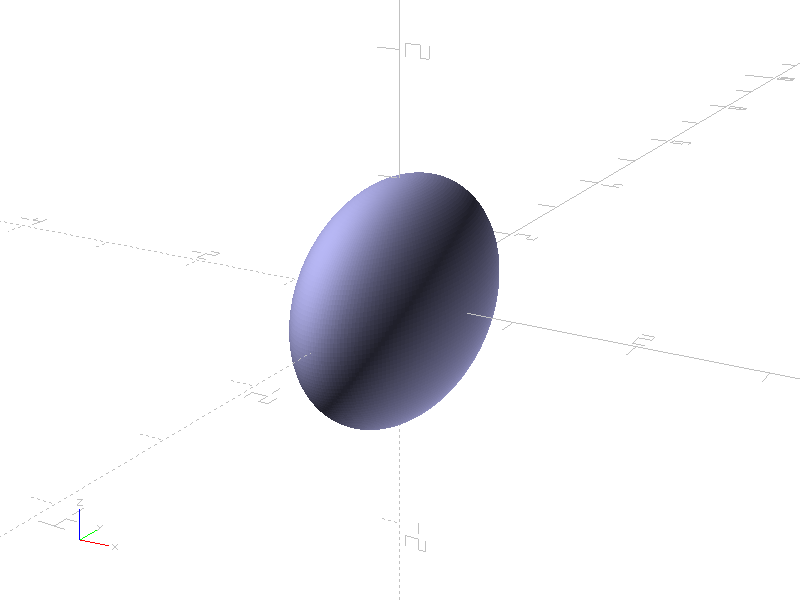
import pcsg

body = pcsg.solid.Sphere (radius = 1)

item = pcsg.transform.Scale (body, sx = 0.6, sy = 1.3)
Example: Scale solid by vector

import pcsg

body = pcsg.solid.Sphere (radius = 1)

item = pcsg.transform.Scale (body, (1.7, 0.9, 1.2))
Example: Scale shape by vector
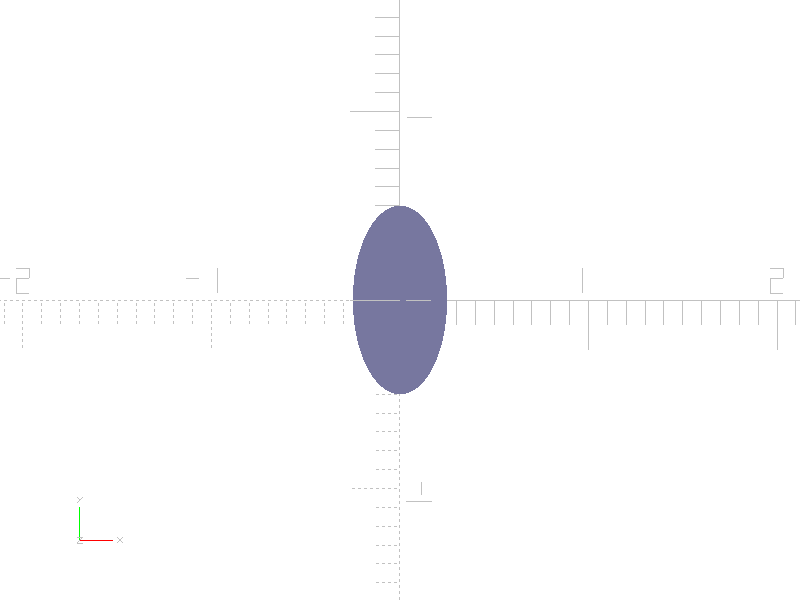
import pcsg

body = pcsg.shape.Circle (radius = 0.5)

item = pcsg.transform.Scale (body, (0.5, 1))
-
class
pcsg.transform.Scale(children: Optional[object] = None, vector: Optional[tuple] = None, sx: Optional[float] = None, sy: Optional[float] = None, sz: Optional[float] = None, name: Optional[str] = None, attributes: Optional[pcsg.attributes.Attributes] = None)¶ Bases:
pcsg.tree.Node,pcsg.transform.TransformA scale can be constructed by a vector of the parameters sx, sy, and sz.
When scaling Shapes only the sx and sy parameters must be used, sz must be 1 (default value).
-
sx¶ Scale in direction of the x-axis.
-
sy¶ Scale in direction of the y-axis.
-
sz¶ Scale in direction of the z-axis.
-
Rotate
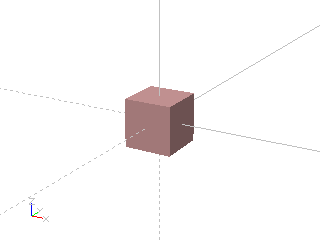
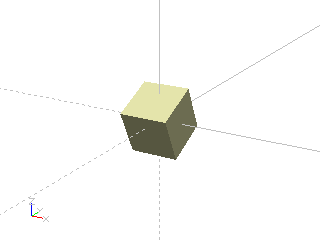
Rotate solid around x-axis
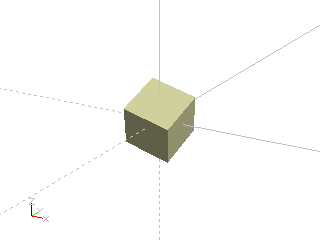
Rotate solid around x- and y-axis
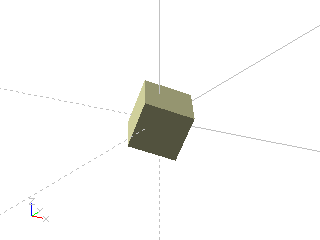
Rotate solid around vector
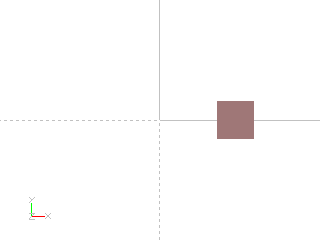

Rotate shape around z-axis
Example: Rotate solid around x-axis
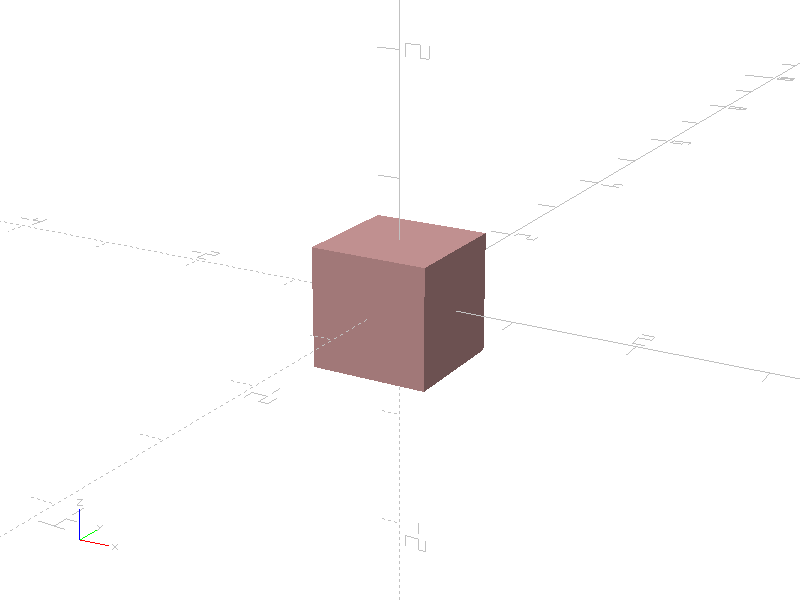

import pcsg

body = pcsg.solid.Cube (size = 1)

item = pcsg.transform.Rotate (body, rx = 25)
Example: Rotate solid around x- and y-axis

import pcsg

body = pcsg.solid.Cube (size = 1)

item = pcsg.transform.Rotate (body, rx = 25, ry = 15)
Example: Rotate solid around vector

import pcsg

body = pcsg.solid.Cube (size = 1)

item = pcsg.transform.Rotate (body, (10, 20, 35))
Example: Rotate shape around z-axis

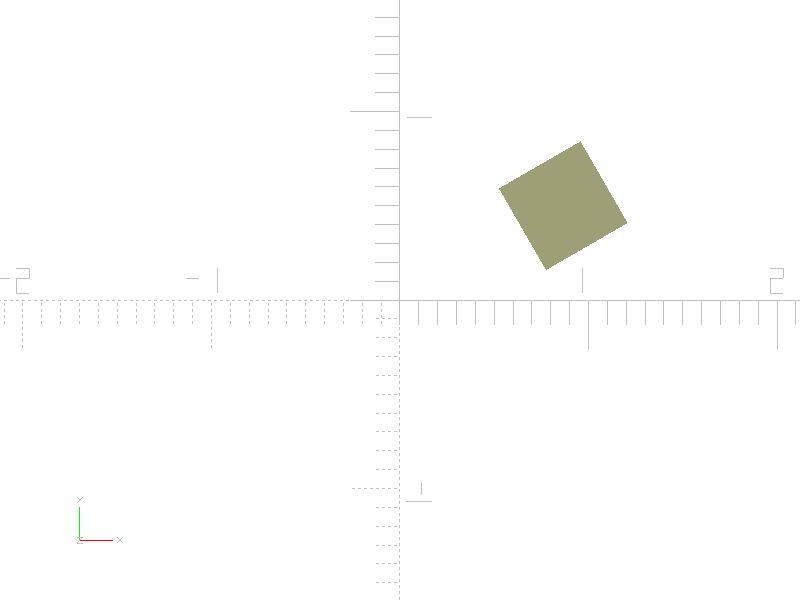
import pcsg

body = pcsg.transform.Translate (
    pcsg.shape.Square (size = 0.5),
    x = 1
)

item = pcsg.transform.Rotate (body, rz = 30)
-
class
pcsg.transform.Rotate(children: Optional[object] = None, vector: Optional[tuple] = None, rx: Optional[float] = None, ry: Optional[float] = None, rz: Optional[float] = None, name: Optional[str] = None, attributes: Optional[pcsg.attributes.Attributes] = None)¶ Bases:
pcsg.tree.Node,pcsg.transform.TransformA rotation can be constructed by a vector of the parameters rx, ry, and rz. The rotation applies the 3 angles by rotating around the z axis, followed by a rotation around the y axis, finally a rotation around the x axis will be applied.
When rotating Shapes only the rz parameter is allowed to use, rx and ry must be 0 (default value).
-
rx¶ Rotation around the x-axis in degrees.
-
ry¶ Rotation around the y-axis in degrees.
-
rz¶ Rotation around the z-axis in degrees.
-