Solids
Solids are basic geometric elements used for constructive solid geometry trees.
-
class
pcsg.solid.Solid¶ Informational base class of Solid objects. This empty class is implemented for type matching purposes.
Sphere
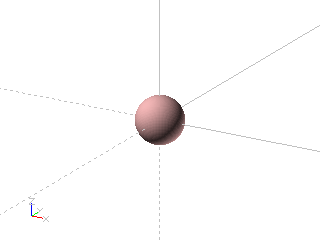
Sphere created with diameter = 1
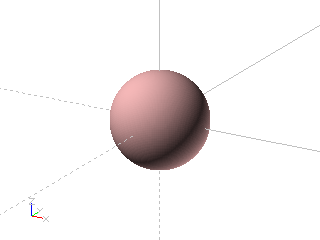
Sphere created with radius = 1
Example: Sphere created with diameter = 1
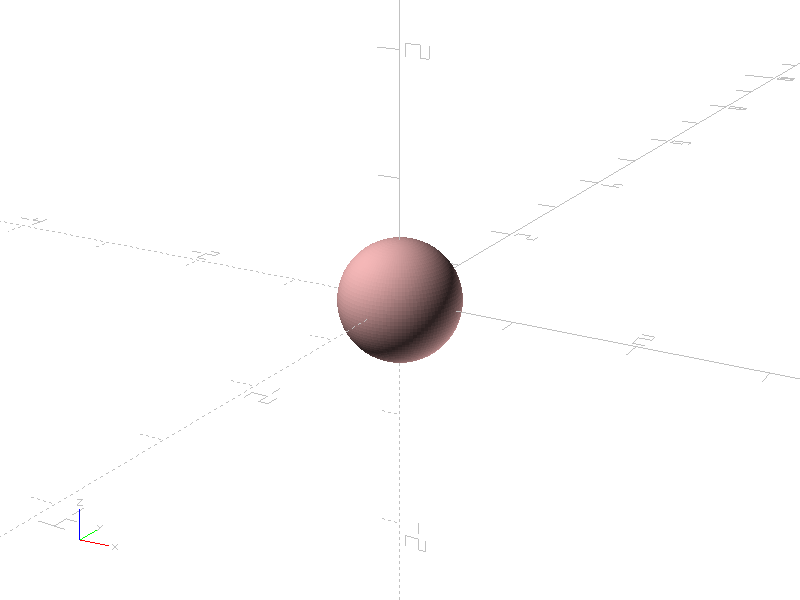
from pcsg import solid

item = solid.Sphere (diameter = 1)
Example: Sphere created with radius = 1

from pcsg import solid

item = solid.Sphere (radius = 1)
-
class
pcsg.solid.Sphere(radius: Optional[float] = None, diameter: Optional[float] = None, name: Optional[str] = None, attributes: Optional[pcsg.attributes.Attributes] = None)¶ Bases:
pcsg.tree.Item,pcsg.solid.SolidA Sphere is a basic Solid class.
The Sphere can be definied with the parameter radius or diameter. Only the radius will be stored. The Spheres center is at coordinate (0, 0, 0).
-
radius¶ Radius of the sphere.
-
Cube
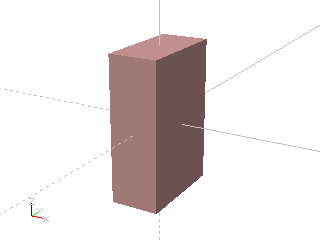
Cube created with size = (1, 2, 3)

Cube created with size = 2
Example: Cube created with size = (1, 2, 3)
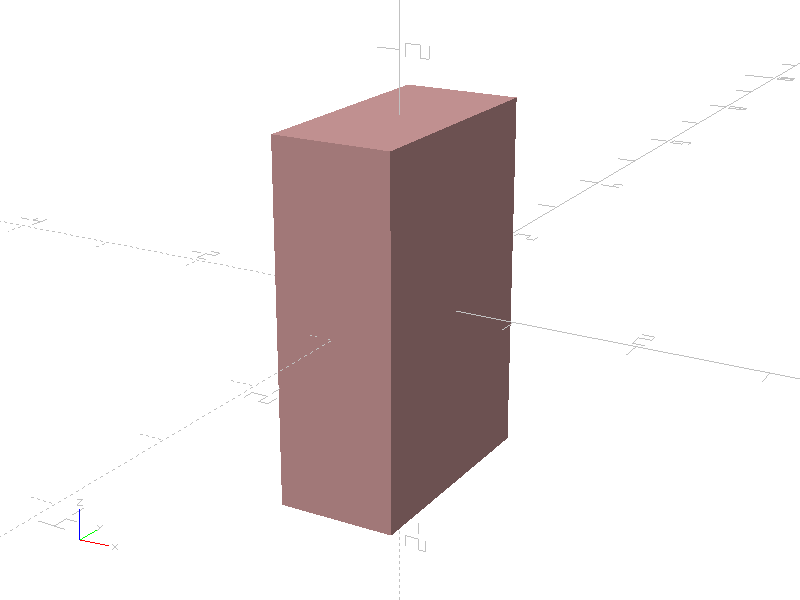
from pcsg import solid

item = solid.Cube (size = (1, 2, 3))
Example: Cube created with size = 2
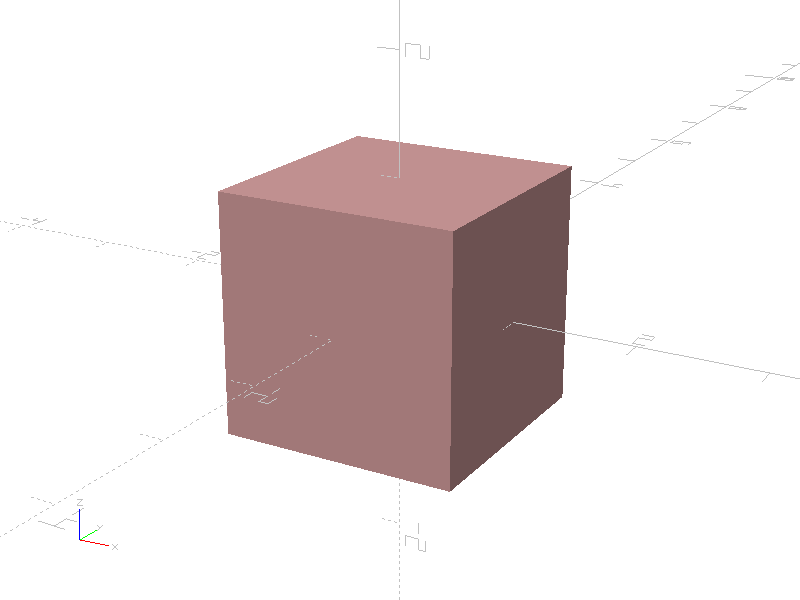
from pcsg import solid

item = solid.Cube (size = 2)
-
class
pcsg.solid.Cube(size: tuple = (1, 1, 1), name: Optional[str] = None, attributes: Optional[pcsg.attributes.Attributes] = None)¶ Bases:
pcsg.tree.Item,pcsg.solid.SolidA Cube is a basic Solid class.
The Cube is defined by a three dimensional size tuple. The Cubes center is at coordinate (0, 0, 0).
-
size¶ Size of Cube as tuple containing (width: float, height: float, depth: float).
-
Cylinder

Cylinder created with height = 2 and radius1 = 1

Cylinder created with height = 2, radius1 = 1 and radius2 = 0.5
Example: Cylinder created with height = 2 and radius1 = 1
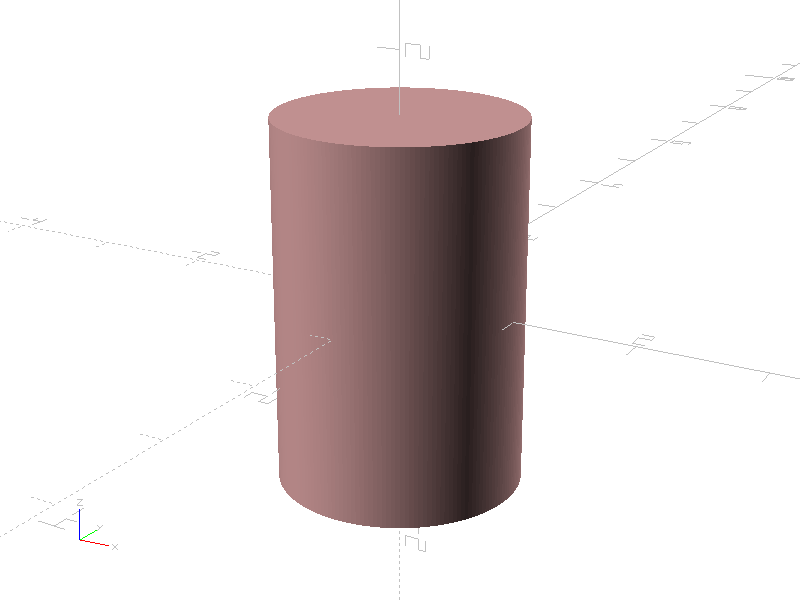
from pcsg import solid

item = solid.Cylinder (
    height = 3,
    radius1 = 1
)
Example: Cylinder created with height = 2, radius1 = 1 and radius2 = 0.5
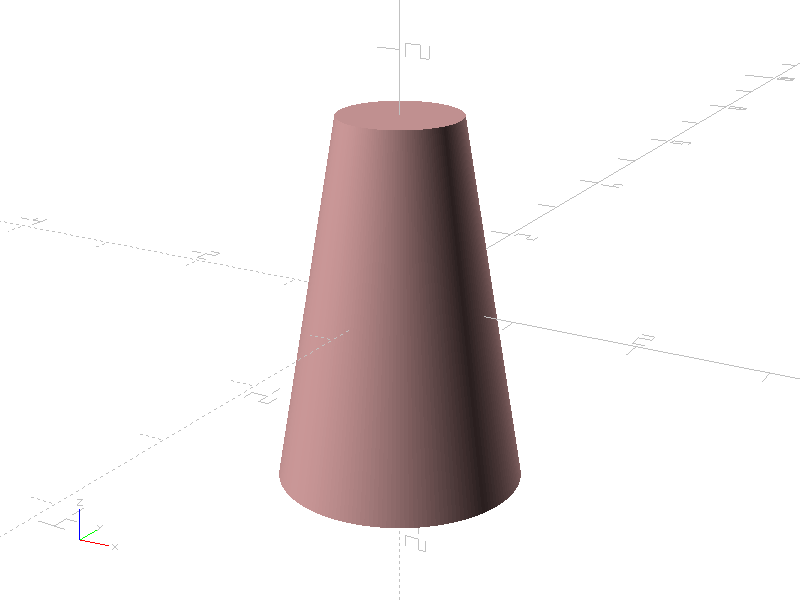
from pcsg import solid

item = solid.Cylinder (
    height = 3,
    radius1 = 1,
    radius2 = 0.5
)
-
class
pcsg.solid.Cylinder(height: float = 1, radius1: Optional[float] = None, radius2: Optional[float] = None, diameter1: Optional[float] = None, diameter2: Optional[float] = None, name: Optional[str] = None, attributes: Optional[pcsg.attributes.Attributes] = None)¶ Bases:
pcsg.tree.Item,pcsg.solid.SolidA Cylinder is a basic Solid class.
The Cylinder is defined by a height and two diameters or radius values. The Cylinders center is at coordinate (0, 0, 0).
-
height¶ Height of the Cylinder.
-
radius1¶ Radius of Cylinder at z = -height / 2.
-
radius2¶ Radius of Cylinder at z = height / 2.
-
Polyhedron
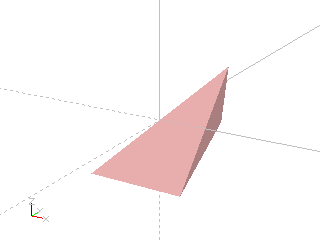
Creating a polyhedron from points and faces

Importing a ployhedron from an .stl file
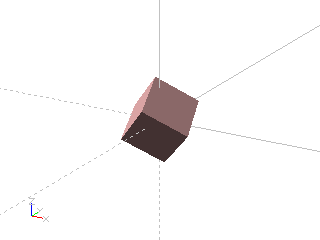
Importing a polyhedron from an .off file
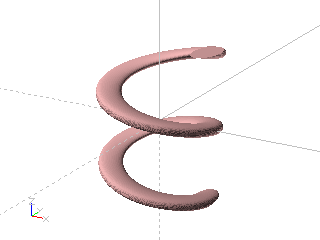
Creating a polyhedron by rasterizing a solid

When a converted solid or imported file has disjunct volumes, a group of polyhedrons will be returned
Example: Creating a polyhedron from points and faces

import pcsg

points = (
    (-1, -1, -1),
    (0, 3, -1),
    (1, -1, -1),
    (1, 1, 1)
)

faces = (
    (0, 1, 2),
    (0, 1, 3),
    (1, 2, 3),
    (2, 0, 3)
)

item = pcsg.solid.Polyhedron.fromUnoptimizedMesh (
    points,
    faces
)
Example: Importing a ployhedron from an .stl file

from pcsg import solid

item = solid.Polyhedron.fromFileSTL ('foo.stl')
Example: Importing a polyhedron from an .off file
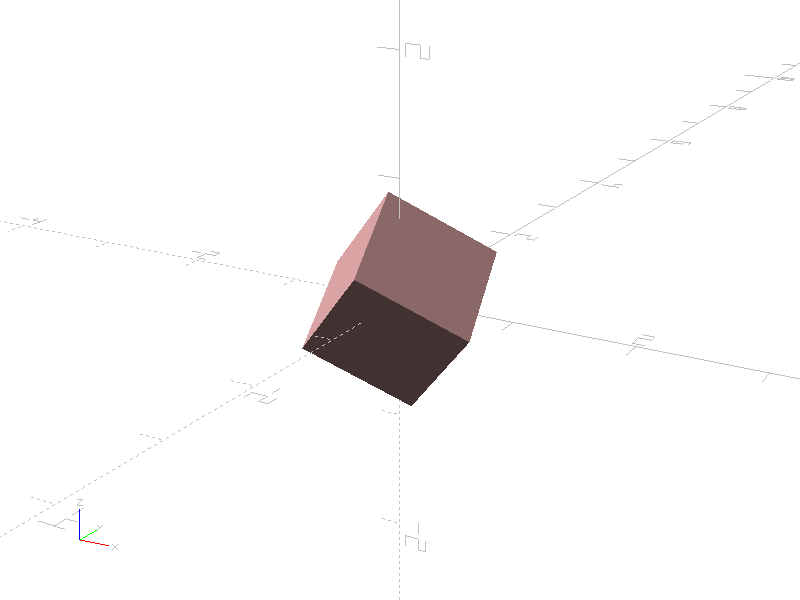
from pcsg import solid

item = solid.Polyhedron.fromFileOFF ('bar.off')
Example: Creating a polyhedron by rasterizing a solid
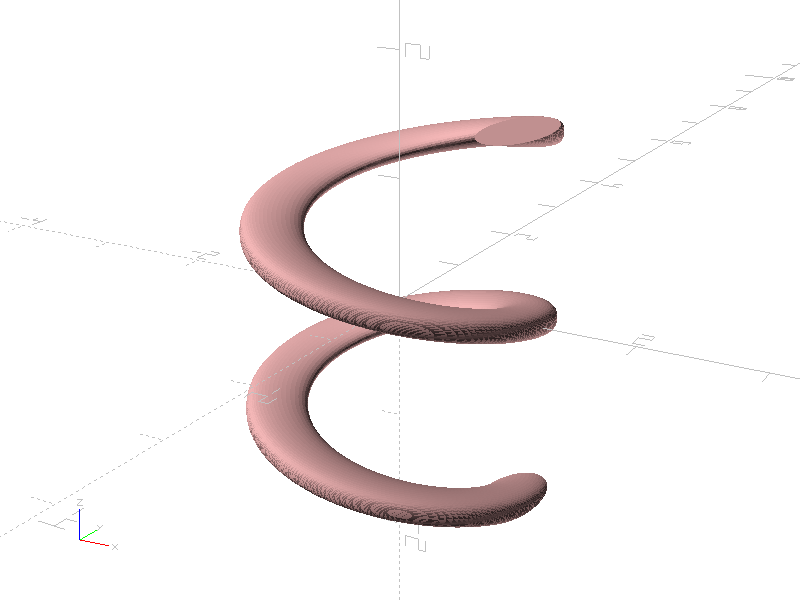
import pcsg

body = pcsg.solid.LinearExtrude (
    pcsg.transform.Translate (
        pcsg.transform.Scale (
            pcsg.shape.Circle (diameter = 0.5),
            sy = 2
        ),
        x = 1
    ),
    height = 3,
    twist = 720
)

item = pcsg.solid.Polyhedron.fromSolid (body, attributes)
Example: When a converted solid or imported file has disjunct volumes, a group of polyhedrons will be returned
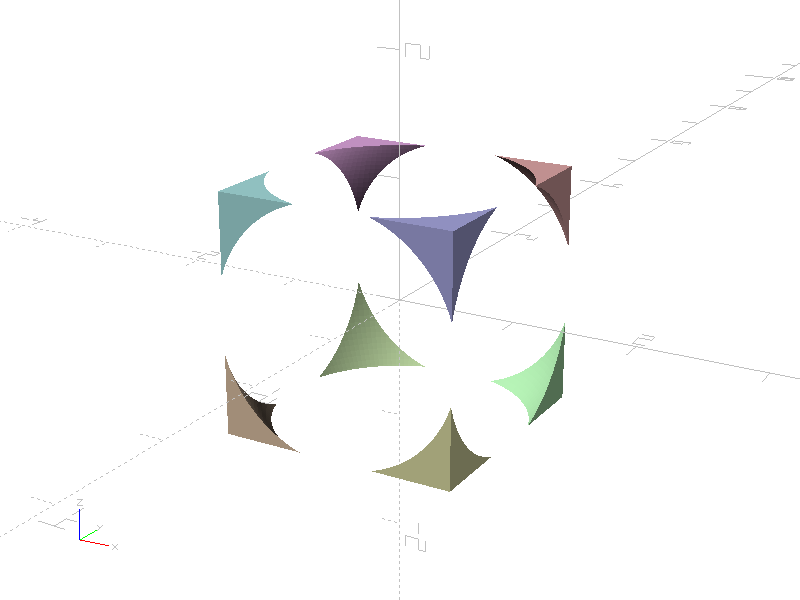
import pcsg

body = pcsg.boolean.Difference (
    (
        pcsg.solid.Cube (size = 2),
        pcsg.solid.Sphere (diameter = 2.9)
    )
)

# rasterize body
polyhedrons = pcsg.solid.Polyhedron.fromSolid (body, attributes)

# a group of polyhedrons is expected
assert isinstance (polyhedrons, pcsg.tree.Group)

# colorize polyhedrons inside group
polyhedrons = pcsg.algorithms.distributeColors (polyhedrons)
-
class
pcsg.solid.Polyhedron(points: Optional[tuple] = None, faces: Optional[tuple] = None, normals: Optional[tuple] = None, uvvectors: Optional[tuple] = None, name: Optional[str] = None, attributes: Optional[pcsg.attributes.Attributes] = None)¶ Bases:
pcsg.tree.Item,pcsg.solid.SolidA Polyhedron is a Solid formed by a closed surface of triangles.
-
faces¶ A Polyhedron is definied by a closed set of faces. Each face describes a triangle with optional normals and texture mappings for each point. Faces are references to points, normals and uv vectors in the format (p1, p2, p3[, n1, n2, n3 [, vu1, vu2, vu3]]). A face must have 3, 6 or 9 elements. Normal and vu vector indices are optional and can be set to None if a point doesn’t have a normal or uv mapping.
-
static
fromFileOFF(fileName, name: Optional[str] = None, attributes: Optional[pcsg.attributes.Attributes] = None)¶ Create a Polyhedron by reading an OFF file. When the imported solid has disjunct volumes, a Group of Polyhedrons will be returned. When the imported solid has no renderable items, Empty will be returned.
-
static
fromFileSTL(fileName, name: Optional[str] = None, attributes: Optional[pcsg.attributes.Attributes] = None)¶ Create a Polyhedron by reading a STL file. When the imported solid has disjunct volumes, a Group of Polyhedrons will be returned. When the imported solid has no renderable items, Empty will be returned.
-
static
fromSolid(solid: pcsg.tree.Item, rasterizingAttributes: Optional[pcsg.attributes.Attributes] = None, name: Optional[str] = None, attributes: Optional[pcsg.attributes.Attributes] = None)¶ Create a Polyhedron by rasterizing a three dimensional csg tree Item. The accuracy for rasterizing is calculated from rasterizingAttributes. When the solid has disjunct volumes, a Group of Polyhedrons will be returned. When the solid has no renderable items, Empty will be returned.
-
static
fromUnoptimizedMesh(points, faces, normals=None, uvvectors=None, name: Optional[str] = None, attributes: Optional[pcsg.attributes.Attributes] = None)¶ Returns a Polygon created from an unoptimized mesh. Duplicated points, normals and uvvectors will be removed and the face indices will be adjusted.
-
getAdjacentFaceOnEdge(faceId: int, edgeId: int)¶ Returns the index ot the adjacent face on a faces edge. Each edge is defined by an edgeId: 0 is the edge between point 0 and point 1, 1 is the edge between point 1 and point 2, 2 is the edge beween point 2 and point 0. Per definition, a closed non-self-intersecting Polyhederon has exactly one adjacent face an edge of a face.
This function shall only be called on closed Polyhedrons, otherwise the behaviour will not be defined.
-
getAdjacentFacesOnCorner(faceId: int, cornerId: int)¶ Returns a list containg the indices of all adjacent faces connected to a corner of a face. This function will only return true adjacent faces, so faceId will not be included in the result.
This function shall only be called on closed Polyhedrons, otherwise the behaviour will not be defined.
-
getFacesContainingPoint(pointId: int)¶ Returns a tuple containing the indices of the all faces attached to a point.
This function shall only be called on closed Polyhedrons, otherwise the behaviour will not be defined.
-
isClosed()¶ Returns True when the Polygon has a closed surface, False otherwise.
-
normals¶ Tuple containing the three dimensional normal vectors used for defining the normals of a face. Normals are optional.
-
points¶ Tuple containing the three dimensional position vectors used for declaraing the corners of a face.
-
smoothNormals(thresholdAngle: float = 30)¶ Create a new Polyhedron from this one with auto calculated normal vectors for smooth displaying.
-
uvvectors¶ Tuple containing the two dimensional uv vectors used for defining the texture mapping of a face. Uv vectors are optional.
-
writeFileOFF(file)¶ Write Polyhedron to .off file.
-
writeFileSTL(file)¶ Write Polyhedron to .stl file.
-
LinearExtrude
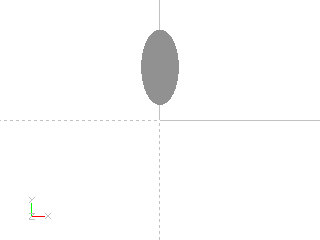
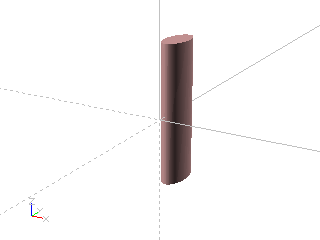
Linear extrusion of a shape.

Linear extrusion of a shape with twist.

Linear extrusion of a shape width scale.
Example: Linear extrusion of a shape.

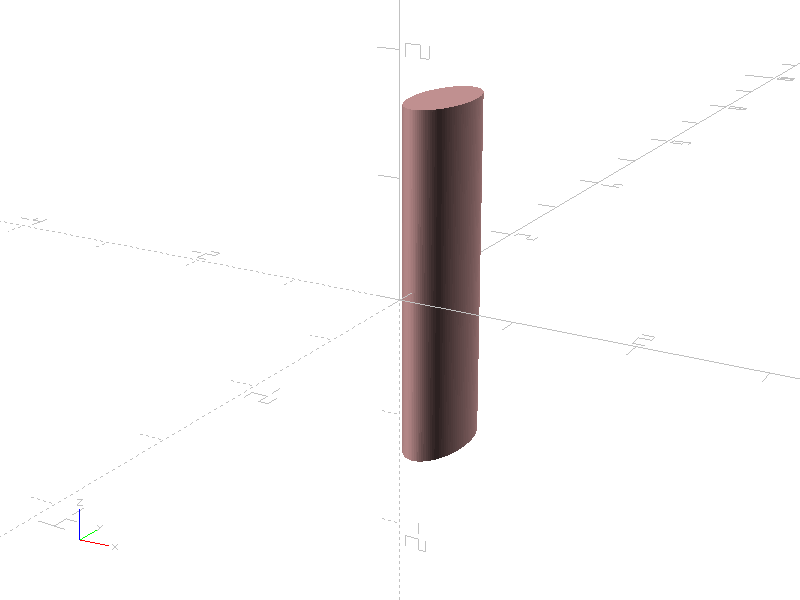
import pcsg

outline = pcsg.transform.Translate (
    pcsg.transform.Scale (
        pcsg.shape.Circle (diameter = 1),
        sx = 0.5
    ),
    y = 0.7
)

item = pcsg.solid.LinearExtrude (
    outline,
    height = 3
)
Example: Linear extrusion of a shape with twist.
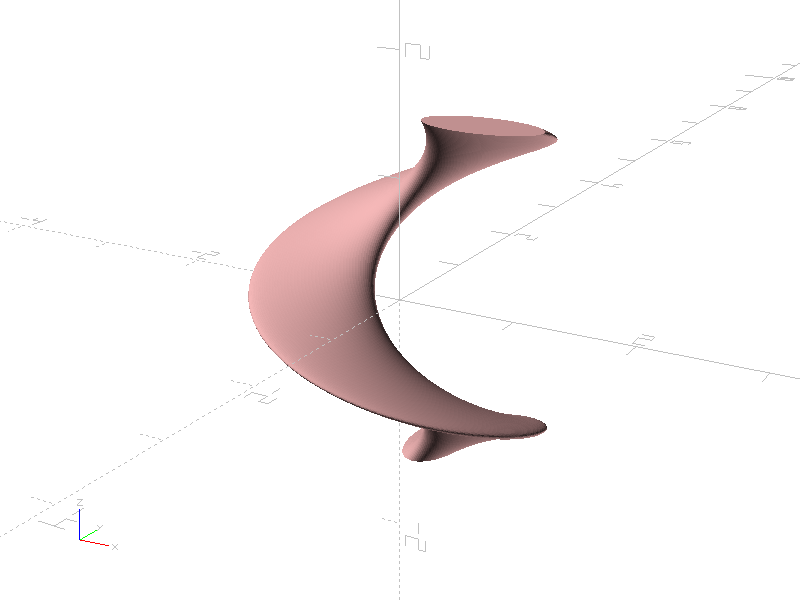
import pcsg

outline = pcsg.transform.Translate (
    pcsg.transform.Scale (
        pcsg.shape.Circle (diameter = 1),
        sx = 0.5
    ),
    y = 0.7
)

item = pcsg.solid.LinearExtrude (
    outline,
    height = 3,
    twist = 450
)
Example: Linear extrusion of a shape width scale.

import pcsg

outline = pcsg.transform.Translate (
    pcsg.transform.Scale (
        pcsg.shape.Circle (diameter = 1),
        sx = 0.5
    ),
    y = 0.7
)

item = pcsg.solid.LinearExtrude (
    outline,
    height = 3,
    scale = 0.5
)
-
class
pcsg.solid.LinearExtrude(children: Optional[object] = None, height: float = 1, twist: float = 0, scale: float = 1.0, name: Optional[str] = None, attributes: Optional[pcsg.attributes.Attributes] = None)¶ Bases:
pcsg.tree.Node,pcsg.solid.SolidConverts a Shape into a Solid by extruding it along the z axis.
The x/y coordinates are taken from the child geometry, the resulting Solid is centered on the z-axis, i.e. z-coordinates are in range [-height / 2 .. height / 2].
-
height¶ Height of the extruded element.
-
scale¶ Scale factor applied along the extrusion. Allows extrusions to be cone shaped.
-
twist¶ Twist in degrees applied along the extrusion.
-
RotateExtrude

Rotated extrusion of a shape.
Example: Rotated extrusion of a shape.

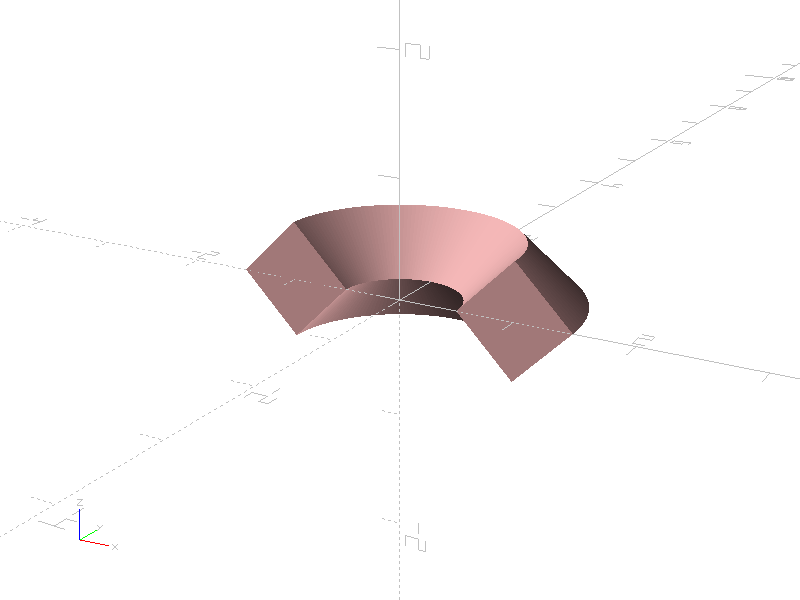
import pcsg

outline = pcsg.transform.Translate (
    pcsg.transform.Rotate (
        pcsg.shape.Square (size = 0.7),
        rz = 45
    ),
    x = 1
)

item = pcsg.solid.RotateExtrude (
    outline,
    angle = 90
)
-
class
pcsg.solid.RotateExtrude(children: Optional[object] = None, angle: float = 360, name: Optional[str] = None, attributes: Optional[pcsg.attributes.Attributes] = None)¶ Bases:
pcsg.tree.Node,pcsg.solid.SolidExtrudes a Shape to a Solid by rotating it around the z-axis.
-
angle¶ Angle for extrusion in degrees.
-