Shapes
Shapes are basic geometric elements used for constructive area geometry trees.
-
class
pcsg.shape.Shape¶ Informational base class of Shape objects. This empty class is implemented for type matching purposes.
Circle
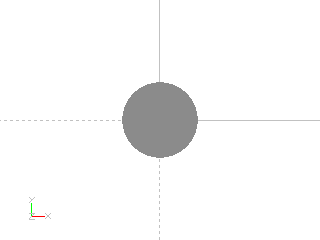
Circle created with diameter = 1
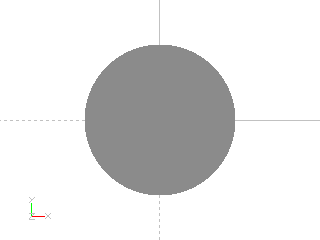
Circle created with radius = 1
Example: Circle created with diameter = 1

from pcsg import shape

item = shape.Circle (diameter = 1)
Example: Circle created with radius = 1
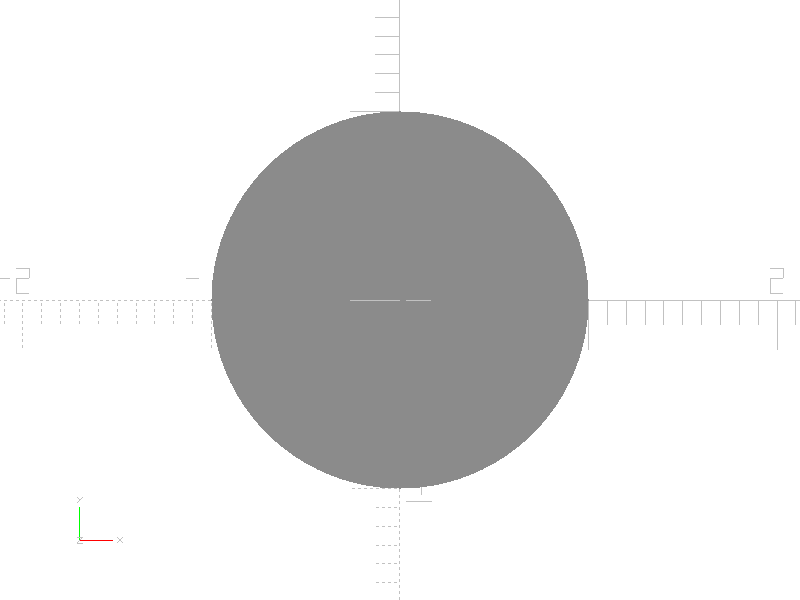
from pcsg import shape

item = shape.Circle (radius = 1)
-
class
pcsg.shape.Circle(radius: Optional[float] = None, diameter: Optional[float] = None, name: Optional[str] = None, attributes: Optional[pcsg.attributes.Attributes] = None)¶ Bases:
pcsg.tree.Item,pcsg.shape.ShapeA Circle is a basic Shape class.
The Circle can be definied with the parameter radius or diameter. Only the radius will be stored. The Circles center is at coordinate (0, 0).
-
radius¶ Radius of the circle
-
Square
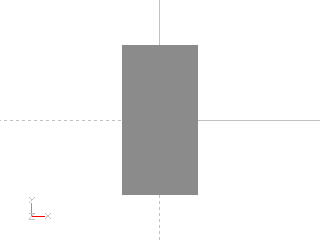
Square created with size = (1, 2)

Square created with size = (2, 1)

Square created with size = 2
Example: Square created with size = (1, 2)

from pcsg import shape

item = shape.Square (size = (1, 2))
Example: Square created with size = (2, 1)
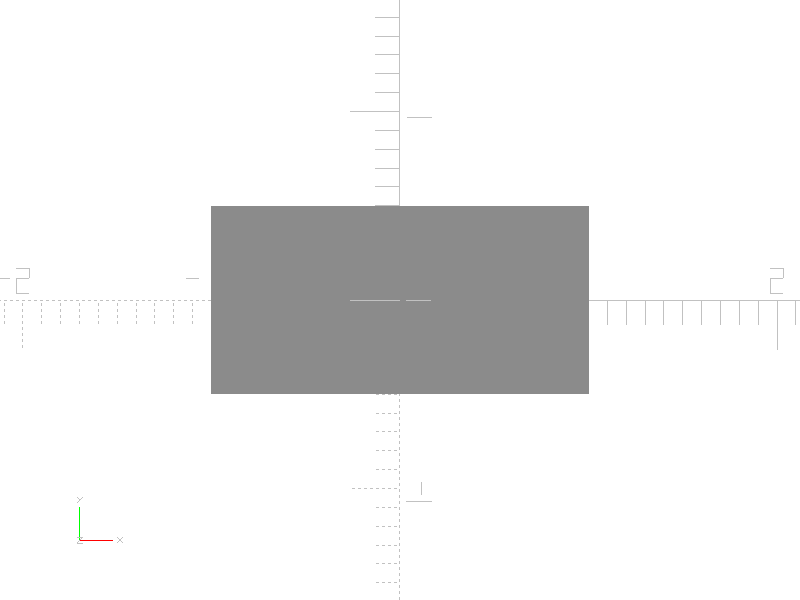
from pcsg import shape

item = shape.Square (size = (2, 1))
Example: Square created with size = 2
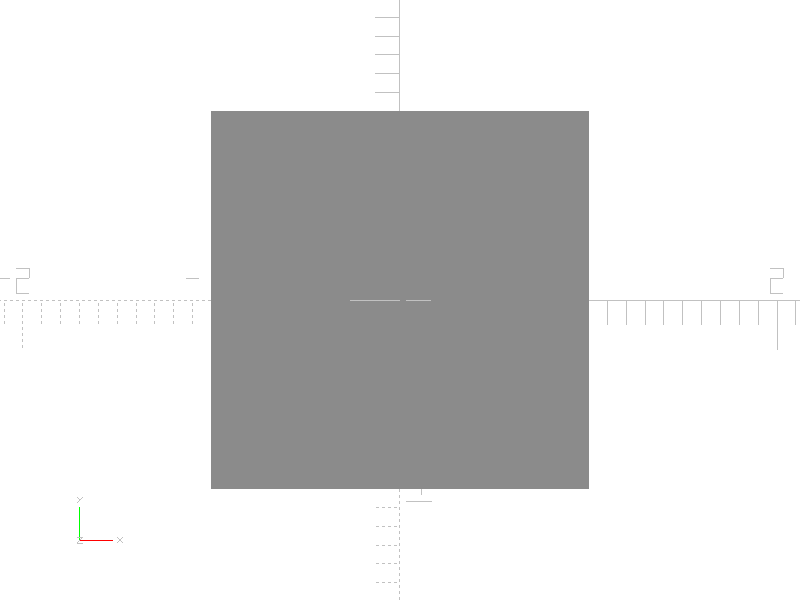
from pcsg import shape

item = shape.Square (size = 2)
-
class
pcsg.shape.Square(size: tuple = (1, 1), name: Optional[str] = None, attributes: Optional[pcsg.attributes.Attributes] = None)¶ Bases:
pcsg.tree.Item,pcsg.shape.ShapeA Square is a basic Shape class.
The Square is defined by a two dimensional size tuple. The Squares center is at coordinate (0, 0).
-
size¶ Size of Square as tuple containing (width: float, height: float).
-
Polygon
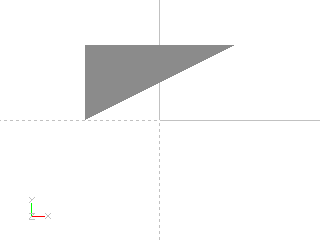
Simple Polygon
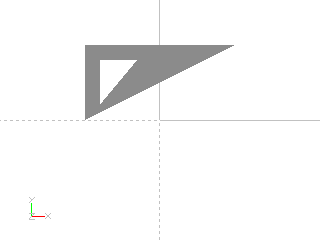
Polygon with a hole
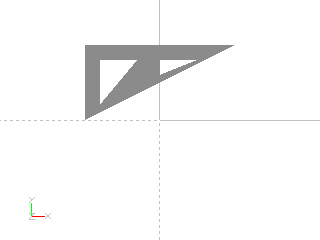
Polygon with a multiple holes

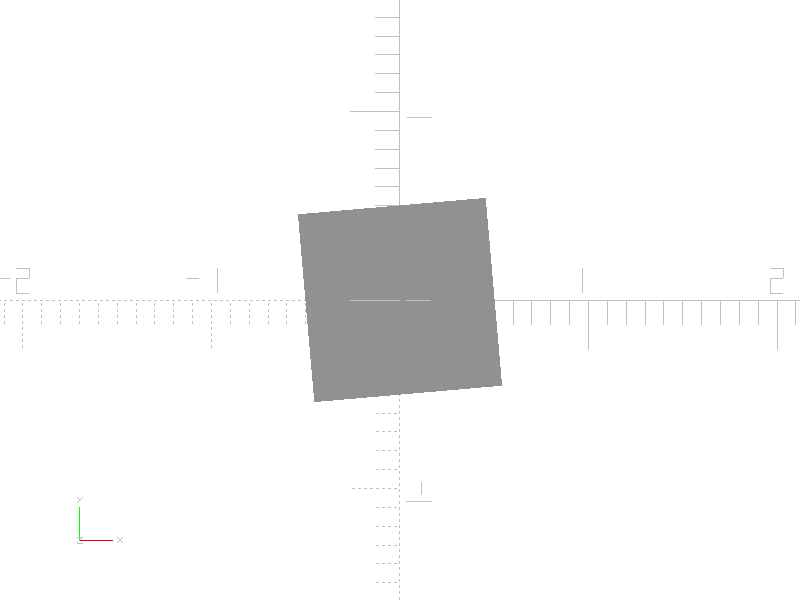
Polygons can be created by rasterizing any Shape class
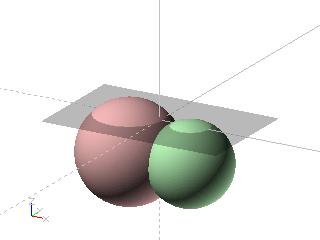

Rasterizing a shape retruns a group of Polygons when the geometry renders to disjunct areas

Rasterizing a shape retruns Empty if it containes no areas
Example: Simple Polygon

from pcsg import shape

item = shape.Polygon (
    points = (
                (-1, 0),
                (-1, 1),
                (1, 1)
             )
)
Example: Polygon with a hole

from pcsg import shape

item = shape.Polygon (
    points =  (
                # points for outer shape:
                (-1, 0),
                (-1, 1),
                (1, 1),
                # points for cutout:
                (-0.8, 0.2),
                (-0.8, 0.8),
                (-0.3, 0.8)
              ),
    outer =   (0, 1, 2),
    cutouts = ((3, 4, 5),)
)
Example: Polygon with a multiple holes

from pcsg import shape

item = shape.Polygon (
    points =  (
                # points for outer shape:
                (-1, 0),
                (-1, 1),
                (1, 1),
                # points for first cutout:
                (-0.8, 0.2),
                (-0.8, 0.8),
                (-0.3, 0.8),
                # points for second cutout:
                (0, 0.8),
                (0.5, 0.8),
                (0, 0.6)
              ),
    outer =   (0, 1, 2),
    cutouts = ((3, 4, 5), (6, 7, 8))
)
Example: Polygons can be created by rasterizing any Shape class
import pcsg

# create outline
outline = pcsg.transform.Rotate (
    pcsg.shape.Square (size = 1),
    rz = 5
)

# rasterize outline to Polygon
item = pcsg.shape.Polygon.fromShape (
    outline,
    attributes
)
Example: Rasterizing a shape retruns a group of Polygons when the geometry renders to disjunct areas


import pcsg

# create a composed solid
volume = pcsg.tree.Group (
    children = (
        pcsg.transform.Translate (
            pcsg.solid.Sphere (1.1),
            x = -0.7,
            z = -0.8
        ),
        pcsg.transform.Translate (
            pcsg.solid.Sphere (0.9),
            x = 0.7,
            z = -0.8
        )
    )
)

# project solid to x/y plane
projection = pcsg.shape.Projection (
    volume,
    cut = True
)

# get polygons from projection
polygons = pcsg.shape.Polygon.fromShape (
    projection,
    attributes
)

# result will be a group node.
assert isinstance (polygons, pcsg.tree.Group)

# colorize polygons inside group
polygons = pcsg.algorithms.distributeColors (polygons)
Example: Rasterizing a shape retruns Empty if it containes no areas

import pcsg

# create empty projection
solid = pcsg.shape.Projection (
    pcsg.transform.Translate (
        pcsg.solid.Sphere (1.1),
        z = -2
    ),
    cut = True
)

# get empty polygon
item = pcsg.shape.Polygon.fromShape (
    solid,
    attributes
)

# result will be an empty node.
assert isinstance (item, pcsg.tree.Empty)
-
class
pcsg.shape.Polygon(points: Optional[object] = None, outer: Optional[list] = None, cutouts: Optional[list] = None, interpolation: pcsg.shape.PolygonInterpolation = <PolygonInterpolation.Linear: 1>, name: Optional[str] = None, attributes: Optional[pcsg.attributes.Attributes] = None)¶ Bases:
pcsg.tree.Item,pcsg.shape.ShapeA Polygon is a basic Shape class.
The Polygon is defined by a list of point forming a closed shape.
-
cutouts¶ Point array of tuples containing point indices used for cut out shapes.
-
static
fromShape(shape: pcsg.tree.Item, rasterizingAttributes: Optional[pcsg.attributes.Attributes] = None, name: Optional[str] = None, attributes: Optional[pcsg.attributes.Attributes] = None)¶ Create a Polygon by rasterizing a two dimensional csg tree Item. The accuracy for rasterizing is calculated from rasterizingAttributes. When the shape has disjunct areas, a Group of Polygons will be returned. When the shape has no renderable items, Empty will be returned.
-
interpolation¶ Interpolation type used for rendering.
-
outer¶ Point indices used for outer shape.
-
points¶ Tuple of two dimensional vectors describing all points of the Polygon.
-
Interpolation types for Polygons:
-
class
pcsg.shape.PolygonInterpolation(value)¶ -
Cubic= 3¶ The polygon will be redered by a cubic interpolation. For calculating the interpolated curve the preceeding and following point will be taken into account.
-
Linear= 1¶ The polygon will be redered by connecting all points by straight lines.
-
Quadratic= 2¶ The polygon will be redered by a quadratic interpolation. For calculating the interpolated curve the following point will be taken into account.
-
Bezier
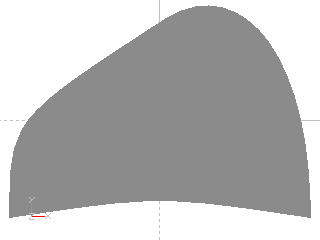
Shape from bezier curves
Example: Shape from bezier curves
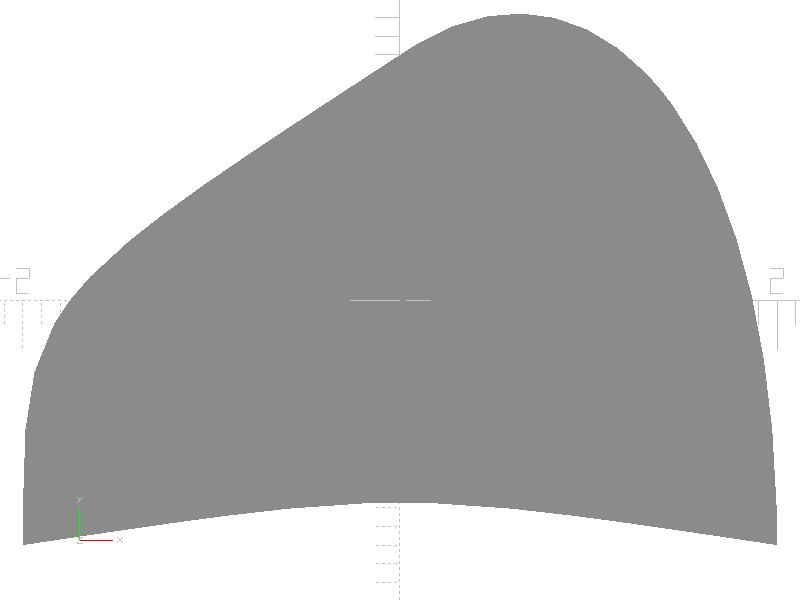
from pcsg import shape

item = shape.Bezier (
    curves = (
                ((-2, -1.3), (-2, 0), (-2, 0), (0, 1.3)  ),
                ((0, 1.3),   (1, 2),  (2, 1),  (2, -1.3) ),
                ((2, -1.3),  (0, -1), (0, -1), (-2, -1.3))
             )
)
-
class
pcsg.shape.Bezier(curves: Optional[object] = None, name: Optional[str] = None, attributes: Optional[pcsg.attributes.Attributes] = None)¶ Bases:
pcsg.tree.Item,pcsg.shape.ShapeA Bezier shape is a basic Shape class.
The Bezier shape is defined by a list of bezier curves forming a closed shape. Each bezier curve is a tuple containing the start point, two control points and the end point of the segment.
-
curves¶ List containing a tuple of 4 points for each bezier segment. A segment consists of four 2-dimensional points: a start point, two control points and an end point.
-
isClosed()¶ Returns True when the Bezier shape has a closed outline, False otherwise.
-
Projection
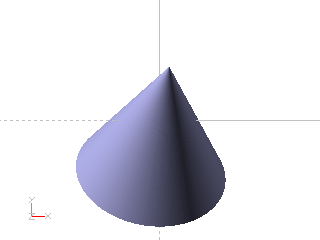

Orthogonal projection of solid

Intersection of solid with x/y plane
Example: Orthogonal projection of solid
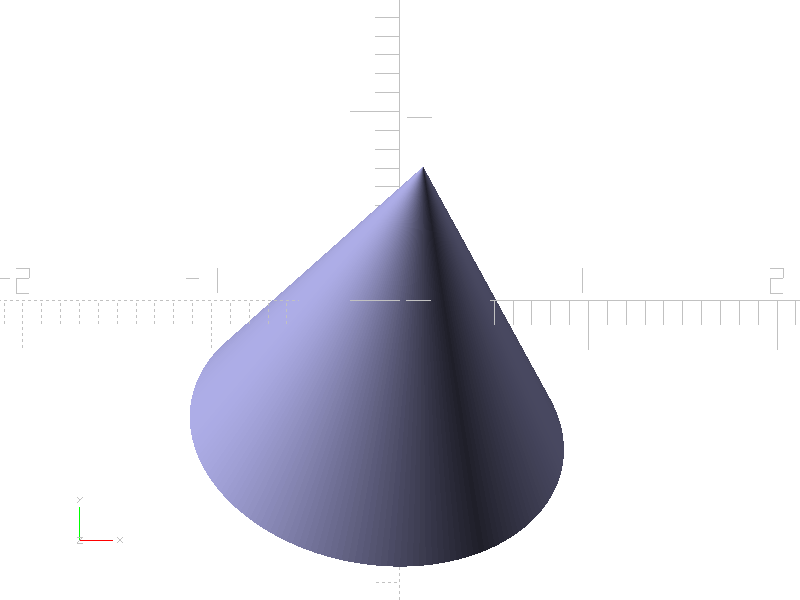

import pcsg

# create solid
volume = pcsg.transform.Rotate (
    pcsg.solid.Cylinder (height = 3, radius1 = 2, radius2 = 0),
    rx = -45,
    ry = 10
)

# orthogonal projection to x/y plane
item = pcsg.shape.Projection (
    volume,
    cut = False
)
Example: Intersection of solid with x/y plane
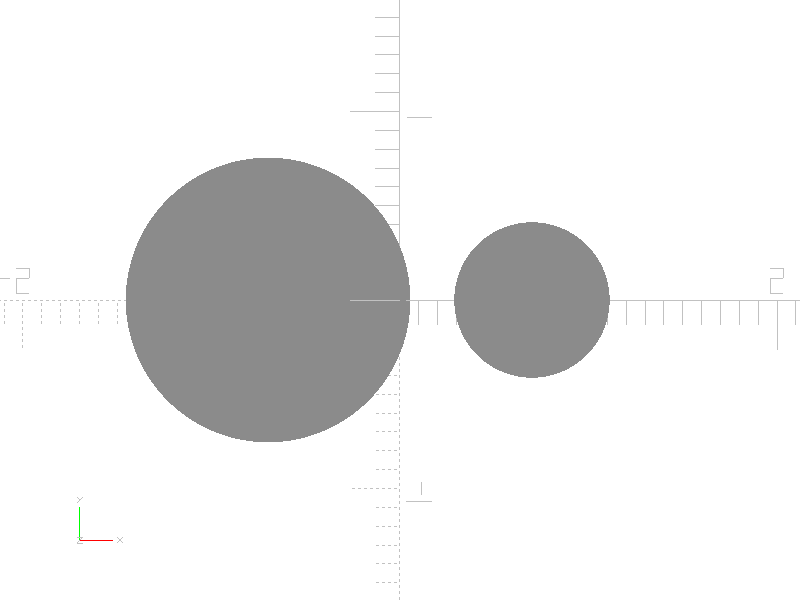
import pcsg

# create solid
solid = pcsg.boolean.Union (
    children = (
        pcsg.transform.Translate (
            pcsg.solid.Sphere (1.1),
            x = -0.7,
            z = -0.8
        ),
        pcsg.transform.Translate (
            pcsg.solid.Sphere (0.9),
            x = 0.7,
            z = -0.8
        )
    )
)

# projection by cutting with x/y plane
item = pcsg.shape.Projection (
    solid,
    cut = True
)
-
class
pcsg.shape.Projection(children: Optional[object] = None, cut: bool = True, name: Optional[str] = None, attributes: Optional[pcsg.attributes.Attributes] = None)¶ Bases:
pcsg.tree.Node,pcsg.shape.ShapeCreate a Shape by projection of a Solid on the x/y plane.
-
children¶ Tuple containing a single child. The child must be a three dimensional csg tree item.
-
cut¶ When cut is True, the intersection of the child object with the x/y plane with z=0 will be calculated. When cut is False, an orthogonal projection will be calculated.
-
Complex
-
class
pcsg.shape.Complex(name: Optional[str] = None, attributes: Optional[pcsg.attributes.Attributes] = None)¶ Bases:
pcsg.tree.Item,pcsg.shape.ShapeBase class for implementing complex Shapes.
-
_toBezier(rasterizingAttributes: pcsg.attributes.Attributes)¶ To be implemented by child class optionally: convert a Complex to a Bezier shape. This function may return None when a conversion to a Bezier shape is not possible.
-
_toPolygon(rasterizingAttributes: pcsg.attributes.Attributes)¶ To be implemented by child class: convert a Complex to a Polygon.
-
rasterize(rasterizingAttributes: pcsg.attributes.Attributes, tryAsBezierShape=False)¶ When tryAsBezierShape is True, the Complex is rendered as Bezier curve if possible, otherwise it will be rendered as a Polygon.
-
Polar

Shape defined by polar curve function
Example: Shape defined by polar curve function

import math
from pcsg import shape

def curveFunction (phi):
    c1 = (1 + 0.9 * math.cos (8 * phi))
    c2 = (1 + 0.1 * math.cos (24 * phi))
    c3 = (0.9 + 0.1 * math.cos (200 * phi))
    c4 = (1 + math.sin (phi))
    return (1 + 5 * c1 * c2 * c3 * c4) * 0.1

item = shape.Polar (
    curveFunction
)
-
class
pcsg.shape.Polar(func=None, name: Optional[str] = None, attributes: Optional[pcsg.attributes.Attributes] = None)¶ Bases:
pcsg.shape.ComplexA Shape defined by a polar curve function.
-
func¶ Function mapping a parameter phi in range 0 to 2*pi to a a radius.
-